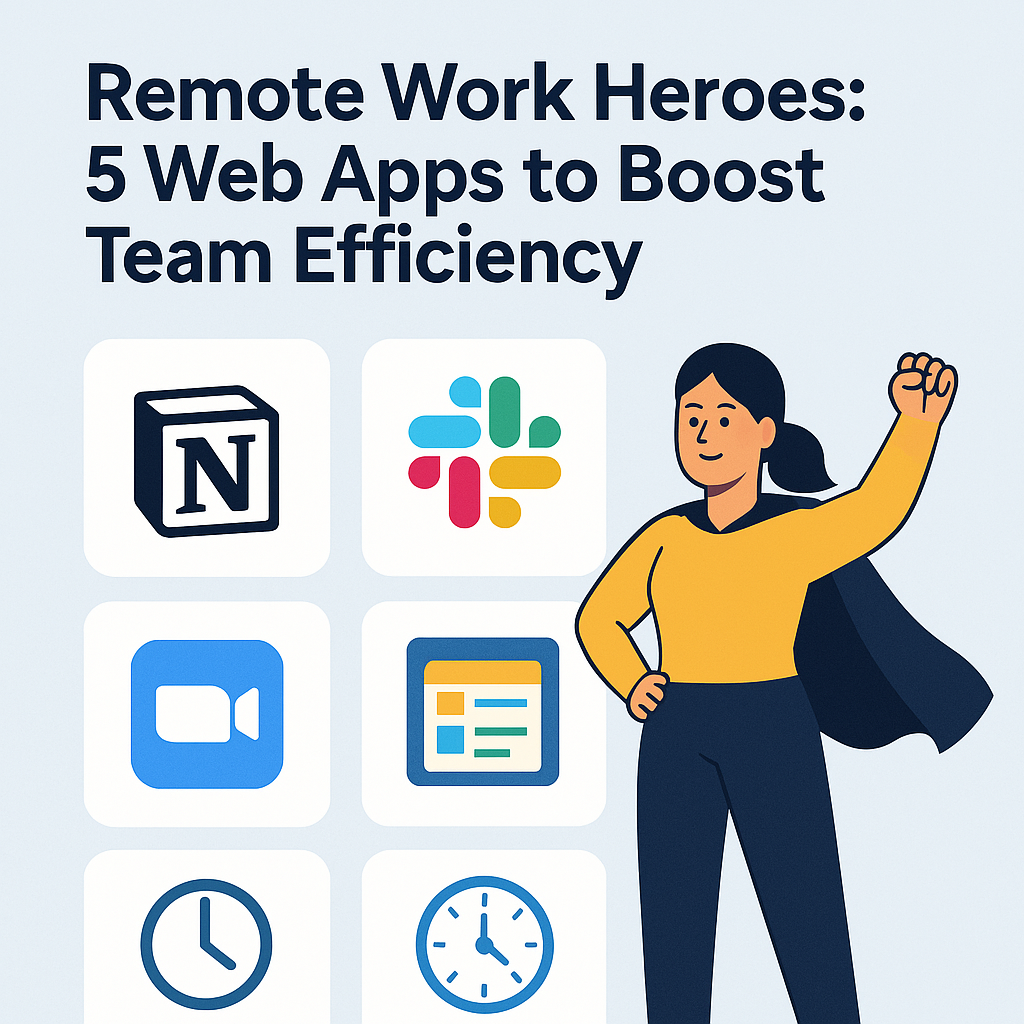
The remote work revolution is here to stay—and it’s reshaping how teams collaborate and communicate across the globe. To keep up with the demands of a virtual environment, businesses are turning to remote work tools that simplify workflows, improve communication, and foster accountability. Whether you’re managing a distributed team or working solo from home, having the right digital arsenal can dramatically enhance your productivity. In this article, we review five standout web apps that are true heroes of remote work.
1. Notion – The All-in-One Workspace
When it comes to versatile remote work tools, Notion tops the list. It combines note-taking, task management, database creation, and team collaboration in a beautifully simple interface. Remote teams can create shared workspaces, organize their workflows, and document everything from project briefs to meeting notes.
Highlights:
-
Real-time collaboration and editing
-
Customizable templates for team wikis, CRMs, and more
-
Seamless integration with other productivity platforms
Notion’s adaptability makes it ideal for startups, remote agencies, and even large enterprises looking to centralize their knowledge base.
2. Slack – Streamlined Communication Hub

Slack has become synonymous with remote communication. This instant messaging platform replaces long email threads with real-time chats, private channels, and quick file sharing—making it one of the most essential remote work tools on the market today.
Highlights:
-
Organized channels for teams, projects, or topics
-
Voice and video call integration
-
Integration with over 2,000 third-party apps
Slack keeps your team connected and engaged, no matter where they’re working from.
3. Trello – Visual Project Management

Trello offers a simple yet powerful way to manage tasks and projects through its visual kanban board system. Remote teams can easily track progress, assign tasks, and monitor deadlines with drag-and-drop ease.
Highlights:
-
Intuitive interface with color-coded task cards
-
Workflow automation through Butler
-
Integration with Google Drive, Dropbox, and more
For remote teams that value clarity and visual progress tracking, Trello is one of those remote work tools you can’t live without.
4. Zoom – The Virtual Meeting Room

Zoom revolutionized how we hold meetings, webinars, and even casual catchups. It offers HD video conferencing that’s reliable and easy to use, making it the go-to tool for synchronous communication among remote teams.
Highlights:
-
High-quality video and audio performance
-
Screen sharing and recording features
-
Breakout rooms for focused discussions
Zoom ensures face-to-face interactions aren’t lost in the digital shift—an important element in building team rapport.
5. Clockify – Time Tracking Made Simple

Productivity matters more than ever in remote settings, and Clockify helps you stay on top of it. As a free time-tracking app, it lets individuals and teams track hours worked on specific tasks and projects, providing valuable insights into how time is spent.
Highlights:
-
Manual and automatic time tracking
-
Project budgeting and reporting
-
Integration with Trello, Asana, and Jira
Among all the remote work tools, Clockify stands out for its user-friendliness and accurate reporting features.
Final Thoughts: Choose the Right Remote Work Tools for Your Team
The shift to remote work isn’t just a trend—it’s a transformation. With the right remote work tools, you can overcome communication gaps, manage projects efficiently, and stay aligned as a team. Whether you’re a freelancer or part of a global workforce, these five web apps are designed to elevate your productivity and collaboration. Try them out and discover your own remote work heroes.