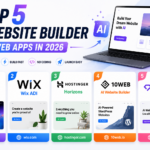
No-code website builders have closed the gap with custom-coded sites so significantly that most small businesses and freelancers genuinely no longer need a developer just to launch a professional-looking website. The real differences between the top platforms now come down to design flexibility, how well the platform handles scaling as traffic grows, and how locked in you become to that specific ecosystem once your content and design work is built inside it. Picking the right one upfront saves a genuinely painful migration later if your needs outgrow the platform you initially chose. Here are five no-code website builders worth considering in 2026, each suited to a slightly different type of project.
Webflow
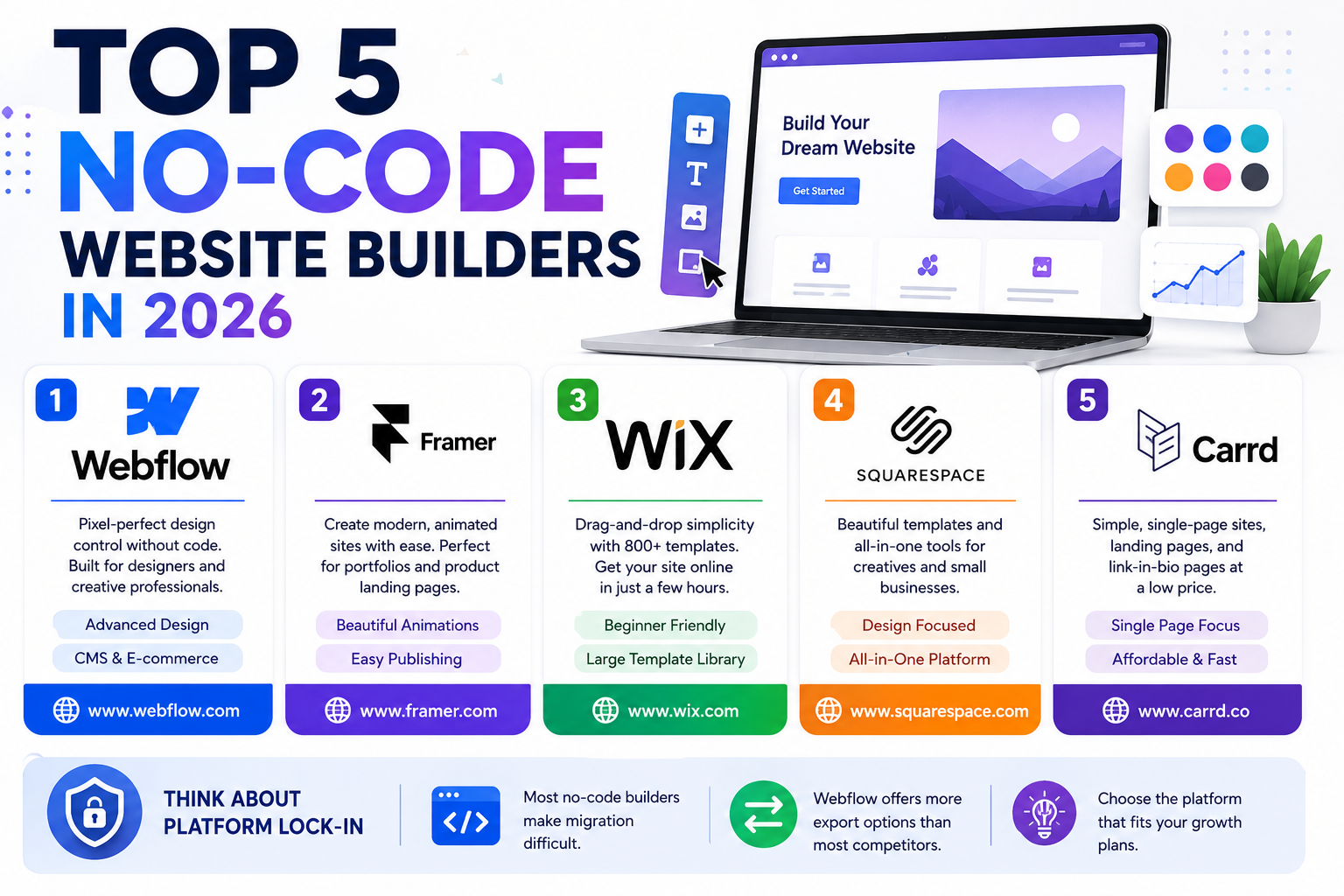
Webflow gives designers genuine pixel-level control comparable to hand-coded CSS, without requiring actual code, making it the top choice for agencies and freelancers who need custom, distinctive designs rather than templated layouts. Its steeper learning curve is the trade-off for that design flexibility.
Framer
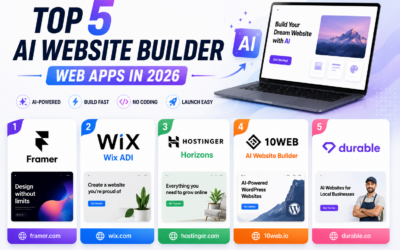
Framer has rapidly become a favorite for building visually striking, animation-heavy sites with genuinely minimal effort, borrowing design sensibilities from its origins as a prototyping tool. It’s a particularly strong pick for portfolio sites and product landing pages that need to feel polished and modern.🔗
Wix
Wix remains the most beginner-friendly option on this list, with a genuinely huge template library and drag-and-drop simplicity that gets a basic business website live within a single afternoon, even for someone with zero design experience
Squarespace
Squarespace leans into design polish out of the box, with templates that look genuinely professional with minimal customization, making it a strong pick for creatives, photographers, and small businesses who want a good-looking site without much manual design effort.
Carrd
Carrd focuses specifically on simple, single-page sites, landing pages, personal profiles, and link-in-bio pages, doing that one job extremely well at a genuinely low price point for anyone who doesn’t need a full multi-page website.
Platform Lock-In Is Worth Thinking About Upfront
Most no-code builders make it genuinely difficult to export your design and migrate to a different platform later, since the visual design work is often tied tightly to that specific platform’s proprietary system rather than portable, standard code. That’s rarely a dealbreaker for a small business site, but it’s worth factoring into your decision if you anticipate significant growth or a future need for custom functionality beyond what the no-code platform’s ecosystem supports. Webflow offers slightly more portability than most competitors through actual exportable code, while platforms like Wix and Squarespace keep your site more fully locked into their respective ecosystems long-term. It’s a trade-off worth accepting consciously rather than discovering by accident a year or two into running the site.
The right no-code builder depends on how much design control you need versus how quickly you want to launch, Webflow and Framer reward the extra learning investment with genuine flexibility, while Wix and Squarespace get something live fast with far less setup time. Whichever you choose, most platforms offer a free trial or free tier, build a genuine test page with your actual content before committing to a paid plan, since the fit will become obvious quickly once you’re working with real content instead of placeholder text. Pay attention to how the editor feels during that test too, a clunky editing experience only gets more frustrating the longer you’re stuck using it week after week.