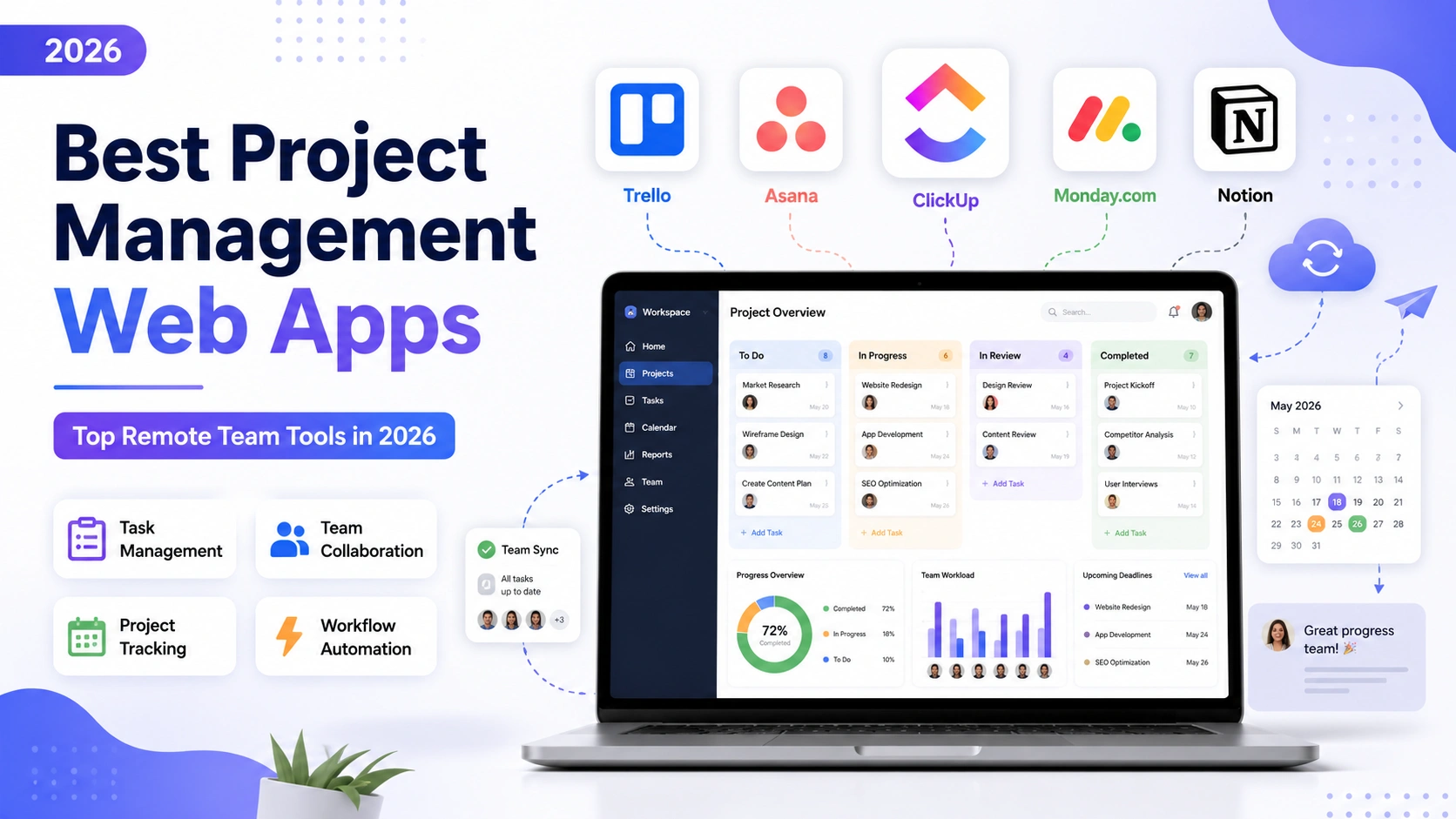
Coordinating a remote team without a shared source of truth almost always leads to missed deadlines and duplicated work. The right project management web app fixes that by giving everyone visibility into what’s happening, who owns it, and what’s next, without needing a daily status meeting just to figure out where things stand. For distributed teams working across time zones, that visibility matters even more than it does for an in-office team, since there’s no hallway conversation to fill in the gaps. Here are five of the best project management web apps for remote teams in 2026, covering everything from simple visual boards to full-featured work operating systems.
Trello
Trello’s card-based board system is the easiest entry point for teams that are new to structured project management. It’s visual, intuitive, and flexible enough to be adapted for anything from content calendars to sprint planning, with automation rules (Butler) that cut down on repetitive manual updates.
Asana
Asana is built for teams that need more structure than a simple board, offering timelines, dependencies, and workload views that make it easier to spot bottlenecks before they cause delays. Its reporting dashboards are particularly useful for managers overseeing multiple remote workstreams at once.
ClickUp
ClickUp tries to be the all-in-one workspace, combining tasks, docs, goals, and chat in a single platform. It has a steeper learning curve than most competitors, but teams that fully adopt it often end up consolidating several other tools into just one subscription.
Monday.com
Monday.com’s colorful, spreadsheet-like boards make status tracking genuinely easy to scan at a glance. Its automation builder is one of the most approachable on the market, letting non-technical team leads set up notifications and status changes without writing a single line of code.
Notion
Notion works well for remote teams that want project tracking and internal documentation living in the same place. Databases can be filtered and viewed as boards, tables, or calendars, which makes it flexible enough to double as a lightweight wiki alongside actual task management.
Questions to Ask Before Committing to One
Before rolling any of these out to a full remote team, it’s worth piloting with a single project first rather than migrating everything at once, since switching costs are real and a tool that looks great in a demo can still fail if the team never adopts it properly. Ask how much of your current process depends on custom fields, approval chains, or client-facing views, since those requirements often eliminate simpler tools like Trello fairly quickly. Budget matters too, per-seat pricing adds up fast once a remote team grows past ten or fifteen people, so it’s worth calculating cost at your expected headcount in a year, not just today. Finally, check how well each tool’s mobile app performs, since remote teams spanning multiple time zones often need to check status updates from a phone outside of standard working hours.
There’s no single best tool here, only the best fit for how your team already works and how much structure your projects actually need. Teams that need heavy structure and detailed reporting tend to land on Asana or ClickUp, while smaller or more visual teams often stay perfectly productive with Trello or Monday.com without ever feeling like they’re missing features. Whichever you choose, the real value only shows up once the whole team commits to using it consistently, a tool that only half the team updates is often worse than no tool at all, since it creates a false sense of visibility.