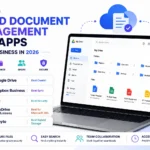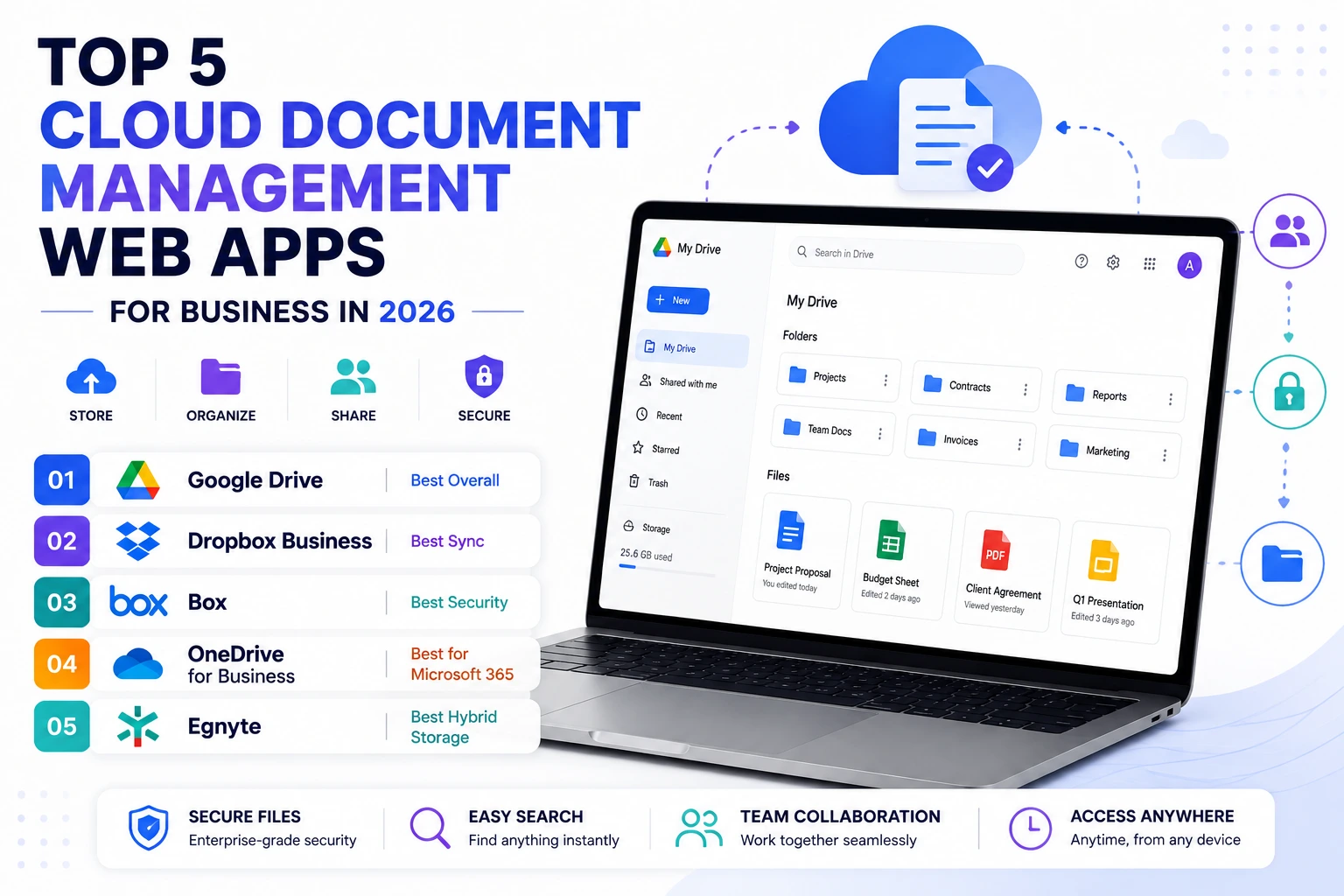
Important business documents scattered across individual email attachments, local hard drives, and a handful of forgotten folders make finding a specific file genuinely frustrating right when it’s needed most, often during a client call or an urgent deadline. Cloud document management web apps solve this by centralizing files in one searchable, permission-controlled system that’s accessible from anywhere, replacing the scattered chaos of email attachments and local storage with something genuinely organized and secure. Here are five cloud document management web apps worth using this year for a business wanting genuinely reliable, organized file access. Most also offer detailed activity logs, showing exactly who accessed or edited a specific file and when, which matters considerably for compliance and simple internal accountability alike.
Google Drive
Google Drive offers genuinely seamless integration with Google Workspace’s broader productivity suite, making it a natural default for businesses already using Google Docs and Sheets for daily collaborative work.
🔗 Download on Play Store | www.google.com/drive
Dropbox Business

Dropbox Business provides genuinely reliable sync performance and strong version history, appealing to businesses that prioritize dependable file syncing across many devices and team members above all else.
🔗 Download on Play Store | www.dropbox.com/business
Box
Box emphasizes genuinely enterprise-grade security and compliance features, appealing specifically to regulated industries like healthcare or finance that need detailed audit trails and granular permission controls.
🔗 Download on Play Store | www.box.com
Microsoft OneDrive for Business
OneDrive for Business integrates tightly with the broader Microsoft 365 suite, appealing to organizations already standardized on Word, Excel, and Teams who want document storage living inside that same ecosystem.
Egnyte
Egnyte combines cloud storage with genuinely strong hybrid on-premises support, appealing to businesses with specific compliance or latency requirements that make a pure cloud-only solution less practical for their situation.
Existing productivity suite and specific compliance needs should guide the choice more than storage capacity alone. Businesses already using Google Workspace get the most natural, connected experience from Google Drive, while organizations standardized on Microsoft 365 get the same benefit from OneDrive for Business. Regulated industries with genuine compliance and audit requirements should prioritize Box’s enterprise-grade security features over a more general-purpose consumer-leaning tool. Businesses with specific hybrid infrastructure needs, some data needing to stay on-premises for regulatory reasons, benefit from Egnyte’s hybrid approach that pure cloud competitors don’t offer. It’s worth auditing current folder and permission structures before migrating to any new platform, since carrying over disorganized structures defeats much of the benefit a fresh, well-organized system is meant to provide. It’s also worth setting clear naming conventions and folder ownership from the start, since a system that starts organized tends to stay that way far more reliably than one that gets cleaned up only occasionally after things have already gotten messy. Assigning one person as the genuine owner of the overall folder structure, rather than leaving organization to informal team consensus, also tends to prevent the slow drift back toward chaos that otherwise creeps in after the initial setup excitement fades.
Centralized, well-organized document management removes the genuine frustration of hunting through scattered emails and local drives for a file needed right now, replacing that chaos with fast, permission-controlled search. Match the platform to your existing productivity suite and specific compliance requirements, and a properly organized system pays for itself the first time it saves someone from a frantic last-minute file search before an important meeting. That reclaimed time and reduced stress compounds meaningfully across an entire team over months of daily use, well beyond any single dramatic time-saving moment.