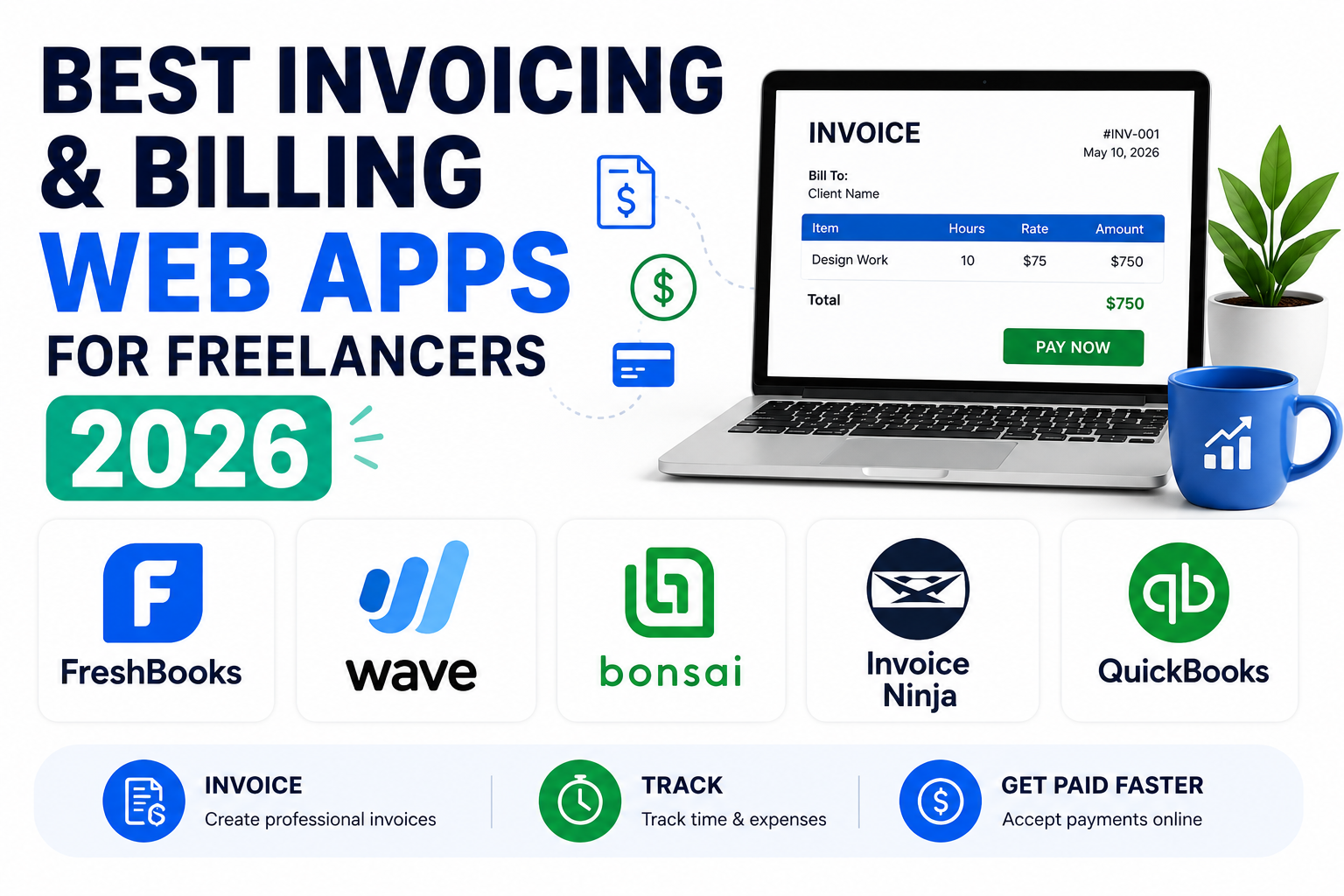
Chasing late payments is one of the most draining parts of freelancing, and a surprising amount of that friction comes down to sending invoices that look unprofessional, lack clear payment terms, or make it genuinely inconvenient for a client to actually pay. The right invoicing web app fixes that by handling recurring billing, automated reminders, and integrated payment processing so getting paid stops depending on a client’s memory or goodwill. A polished invoice also quietly signals professionalism in a way that can influence how seriously a client takes the working relationship overall. Here are five invoicing and billing web apps worth considering for freelancers in 2026, ranging from free basics to more complete financial toolkits.
FreshBooks
FreshBooks pairs clean, professional invoice templates with genuinely useful time tracking and expense management, making it a strong fit for freelancers who bill hourly and need those hours to flow directly into an invoice without manual re-entry. Automated late payment reminders quietly handle one of the most awkward parts of freelance client management.
Wave
Wave offers genuinely free invoicing and accounting software, monetizing instead through payment processing fees, which makes it one of the most cost-effective starting points for freelancers who aren’t ready to pay a monthly subscription for basic billing needs.
Bonsai
Bonsai bundles invoicing with contracts, proposals, and time tracking specifically built around freelance workflows, which makes it a strong all-in-one option for freelancers who want fewer separate tools to manage across a single client relationship from proposal to final payment.
Invoice Ninja
Invoice Ninja stands out with a genuinely capable free self-hosted option alongside its cloud version, appealing to freelancers who want more control over their billing data or need to avoid recurring subscription costs entirely.
QuickBooks Self-Employed
QuickBooks Self-Employed ties invoicing directly into broader tax preparation features, automatically separating business and personal expenses and estimating quarterly tax payments, which is particularly useful for freelancers in regions with quarterly estimated tax requirements.
What to Check Before Switching Tools
Payment processing fees vary meaningfully between these platforms and can quietly eat into margins more than the subscription price itself, so it’s worth comparing the actual percentage taken per transaction rather than just the monthly software cost when weighing options. Also consider how each platform handles international clients if you work across borders, currency support and international payment methods vary significantly, and a tool that works perfectly for domestic clients can create real friction with an overseas one. Finally, check how easily your existing client and invoice history can be exported or imported, switching invoicing tools after building up a year of records is far more painful than choosing carefully the first time around, and it’s a migration many freelancers put off far longer than they should.
The right invoicing tool ultimately depends on how complex your freelance business has gotten, a single-client freelancer just starting out has very different needs than someone juggling a dozen ongoing retainer clients with recurring billing cycles. Wave remains the best starting point for freelancers watching costs closely, while Bonsai and FreshBooks earn their subscription price once your client roster and workflow complexity grow past what a purely free tool can comfortably handle. Whatever you choose, set up automated payment reminders from day one rather than manually chasing clients, it removes an awkward conversation from your plate entirely and tends to get invoices paid noticeably faster than a manual follow-up email ever does.