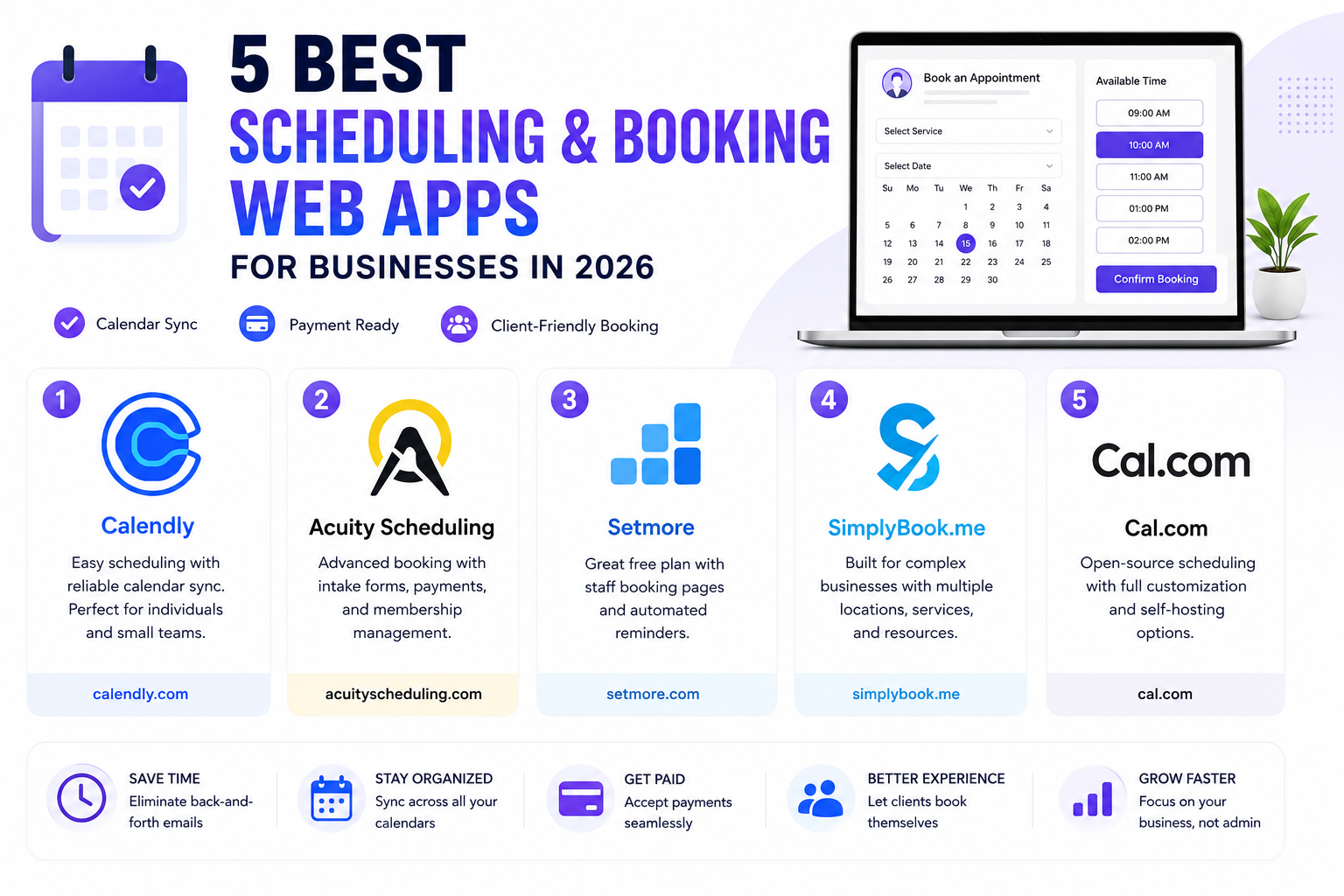
The back-and-forth of finding a mutually available meeting time still eats up more time than it should for a huge number of businesses, especially client-facing ones juggling appointments across multiple staff members or service types. A good scheduling web app removes that friction entirely, syncing with your calendar and letting clients pick an available slot themselves without a single extra email exchange back and forth. Beyond the time saved, a polished booking page also quietly signals professionalism that a chain of scheduling emails simply doesn’t convey. Here are five scheduling and booking web apps worth considering for businesses in 2026, each with different strengths depending on how complex your booking needs actually are.
Calendly

Calendly remains the most recognizable name in this category thanks to its clean, simple setup and genuinely reliable calendar sync across Google, Outlook, and iCloud, making it the easiest starting point for solo professionals and small teams alike.
Acuity Scheduling

Acuity goes further than basic scheduling with built-in intake forms, payment collection, and package or membership support, making it a strong fit for service-based businesses like consultants, coaches, and salons managing paid appointments directly through the booking flow.
Setmore

Setmore offers a genuinely capable free tier covering the essentials most small businesses need, including staff-specific booking pages and automated reminders, making it a solid starting point for businesses not ready to commit to a paid plan yet.
SimplyBook.me

SimplyBook.me caters specifically to businesses with more complex booking needs, like multiple locations, service categories, or resource management, offering deeper customization than most competitors for businesses that have outgrown a simpler tool.
Cal.com

Cal.com positions itself as a genuinely open-source, more customizable alternative to Calendly, appealing to businesses and developers who want deeper control over the booking experience or the option to self-host their own scheduling infrastructure entirely.
Matching the Tool to Your Booking Complexity
A solo consultant taking one type of meeting has fundamentally different needs than a multi-location business coordinating different staff, services, and resources simultaneously, and picking a tool built for the wrong level of complexity tends to cause real frustration either way. Simpler tools like Calendly and Setmore genuinely shine for straightforward, single-service booking, while businesses juggling multiple staff calendars, service categories, and payment collection will likely need the deeper configuration that Acuity or SimplyBook.me offers. It’s worth mapping out your actual booking workflow, including edge cases like rescheduling, cancellation policies, and multi-staff coordination, before committing to a tool, since retrofitting a simple scheduler to handle complex logic later is far more painful than choosing appropriately from the start. Testing the cancellation and rescheduling flow specifically before launch tends to reveal gaps that basic setup testing alone would miss entirely.
Whichever tool you choose, the real payoff isn’t just saved time on scheduling itself, it’s the more professional impression a self-service booking page makes compared to a chain of back-and-forth emails trying to nail down a time. Start with a free trial and actually book a test appointment as a client would, that’s the fastest way to spot friction points before rolling the tool out to real customers. Ask a colleague or friend unfamiliar with the setup to try booking too, they’ll often catch confusing steps that feel obvious to you simply because you built the flow yourself and know it too well to notice friction points that a genuine first-time visitor would trip over immediately.