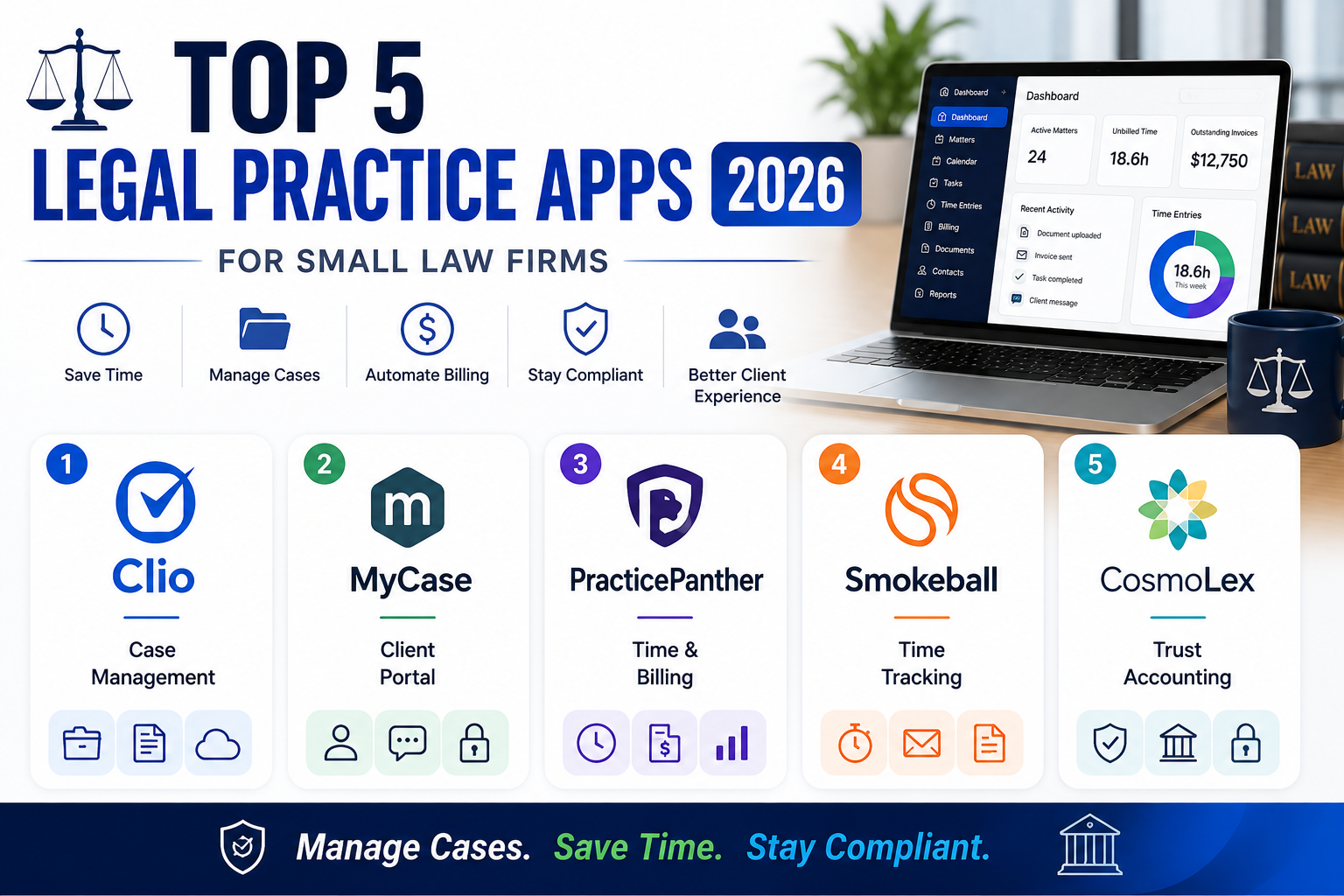
Small law firms tracking billable hours, case documents, and client communication through separate spreadsheets and email threads genuinely risk both lost revenue from unbilled time and real compliance exposure from disorganized case files. Legal practice management web apps solve this by consolidating time tracking, document management, billing, and client communication into one connected system built specifically around a law firm’s actual workflow rather than a generic business tool adapted awkwardly for legal use. Here are five legal practice management web apps worth using this year for genuinely less administrative overhead. Most also support secure client e-signature collection directly within the platform, removing yet another manual step that used to require a separate tool entirely. Conflict-of-interest checking has also become a standard feature, automatically flagging a potential conflict before a new case is accepted rather than discovering it later.
Clio
Clio remains one of the most widely adopted legal practice management platforms, combining genuinely comprehensive case management, billing, and document storage with broad third-party integrations most small firms eventually need.
🔗 Download on Play Store | www.clio.com
MyCase

MyCase offers genuinely strong client communication features, including a client portal that reduces phone tag by letting clients securely check case status and documents directly rather than always calling the firm.
🔗 Download on Play Store | www.mycase.com
PracticePanther
PracticePanther emphasizes genuinely fast time tracking and automated billing, reducing the administrative burden of manually reconstructing billable hours at the end of a busy week from memory or scattered notes.
🔗 Download on Play Store | www.practicepanther.com
Smokeball
Smokeball focuses specifically on automatic time capture, tracking time spent in documents and emails without requiring a lawyer to manually start and stop a timer for every single task throughout the day.
CosmoLex
CosmoLex bundles legal practice management with built-in trust accounting compliance features, appealing to firms wanting billing and required trust account compliance handled within the same connected platform.
Firm size and specific administrative pain points should guide the choice more than feature lists alone. Firms specifically struggling with unbilled time should prioritize PracticePanther or Smokeball’s automated time capture, since manually reconstructed billable hours consistently underreport actual time worked. Client-facing firms wanting to reduce phone tag benefit specifically from MyCase’s client portal feature. Firms needing genuine trust accounting compliance built directly into their practice management system should evaluate CosmoLex specifically rather than managing that compliance separately. Clio remains the safest general-purpose default for firms wanting broad functionality and the largest ecosystem of third-party integrations. It’s worth testing a shortlisted platform’s actual billing export format against what your specific accounting software expects before fully committing. It’s also worth confirming a shortlisted platform’s client portal genuinely works well on mobile, since clients increasingly expect to check case status from a phone rather than logging into a desktop browser specifically for that purpose.
Legal practice management software directly prevents two genuinely costly problems, unbilled time slipping through the cracks and disorganized case files creating real compliance risk, both of which manual tracking methods struggle to fully prevent. Match the platform to your firm’s specific size and administrative pain points, and consolidated practice management pays for itself the first time it captures billable time that would have otherwise gone completely unrecorded. A firm that switches early, before growing past a comfortable size for manual tracking, tends to avoid the genuinely painful process of migrating years of scattered records later on, which is a task most firms genuinely dread once it becomes unavoidable.