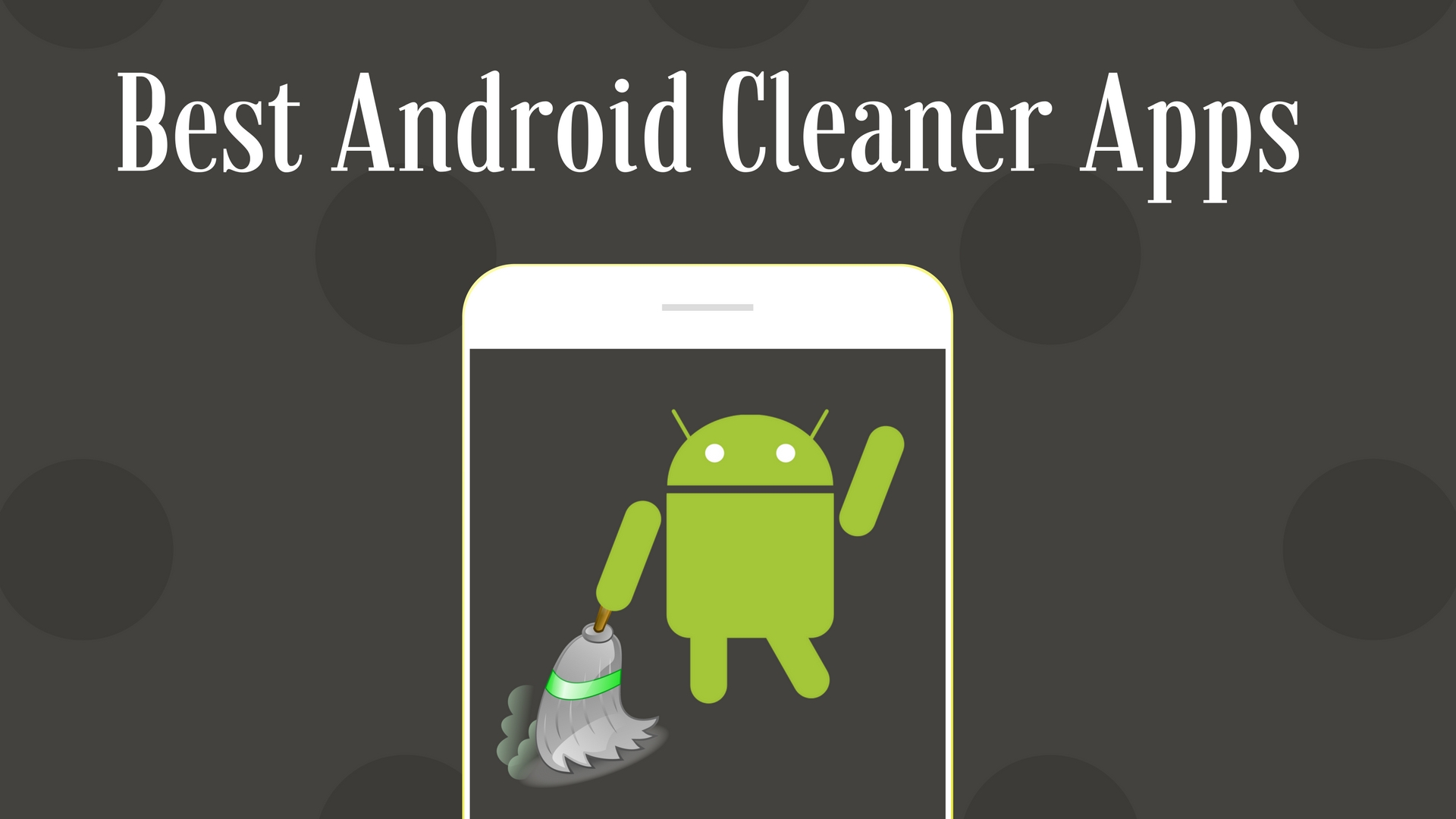
If you are noticing your phone experiences some trouble responding, do not jump to conclusion that you need a new device. Cache from browsing, app data, programs you never use, and other kinds of junk files can seriously affect performance of your mobile phone. This is because any type of gadget, from PC to a smartphone or tablet, requires memory to perform tasks (especially multiple) smoothly. When internal storage of a device gets cluttered, you start seeing bugs and low productivity. This when apps to clean phone come to the rescue. Keep reading this article to find out ways of purifying your gadget as well as to determine best android cleaner!
- Clean Master
This program is probably the most popular throughout android apps that clean your phone. The app is free to download, has user-friendly design, and possesses great cleaning properties. All you need to do after installing the application is to run a scanning process. You’ll see junk files, programs you have not used for a long period of time, big files that consume too much space, etc. Clean Master will offer you to delete them. It also has a “Phone Boost” function. Clicking on it, the program will display running apps on the background and offer you to close them to enhance the responsiveness of your gadget.
- Avast
Avast Mobile Security is another honorable mention amongst cleaning and antivirus software. Although we have put it on a second place in our list, there are still vivid arguments on which app is better: avast vs clean master. The app is free for downloading, but you’ll be offered to buy a subscription, yearly or monthly one. Upgrade to the PRO version will cost you $1.99/month or $7.99/year. Just like with Clean Master, you have to hit “Scan” button to check your smartphone and then leave it free of viruses, cache, app data, unused software and files, etc. Avast also has lots of additional features, including call blocker and anti-theft in free version and app locker and direct support in premium one.
- 360 Security
Another malware protection software, that is quite popular amongst android users. In particular, it has about 200 millions of users worldwide. This program combines antivirus, phone optimization, cleaner, app manager, and battery usage tool in one. Such a wide spectrum of function makes 360 Security one of the best android cleaner apps. If you are willing to find out more ways of using your equipment efficiently to boost your university performance, check out the best website to pay for essays. There are tons of useful tips for youngsters, from how to keep your dorm room organized to how to meet the strictest deadlines.
- CCleaner
You might already heard about this one or even have it on your personal computer, if you are a MS Windows or macOS user. This is a great cleaning software for PCs that has been around for years. In 2014, Piriform Company released an android version of famous computer software. It quickly became popular due to the famous brand name, great performance, and already known design. With this app, you can clean cached data, search for junk files through your files & folders manually, and check the history of your browsing that consume storage as well.
- SD Maid
SD Maid is a tool that helps keeping your device clean and optimized. It contains file manager allowing a user to see all the compounds of the device, from empty folders to cached data and unused programs or files that have not been opened for some time. After having scanned your phone, SD Maid will offer you to delete junk, fasten your gadget, and also review the files left from uninstalled applications. This app gets constant updates and is already supports android 8.1 version. It has very simple, minimalistic design with no unnecessary buttons, which makes it easy to use by older people.
Here are our top 5 mobile software options that will save your smartphone from bugs and slow performance. Although manufacturers are trying to advance and perfect their new smartphone and tablet releases, this does not mean new gadget can run perfectly with no technical support. Keep your smartphone clean and optimized, and be confident that it will last you long years before you’ll be forced to buy a new model.