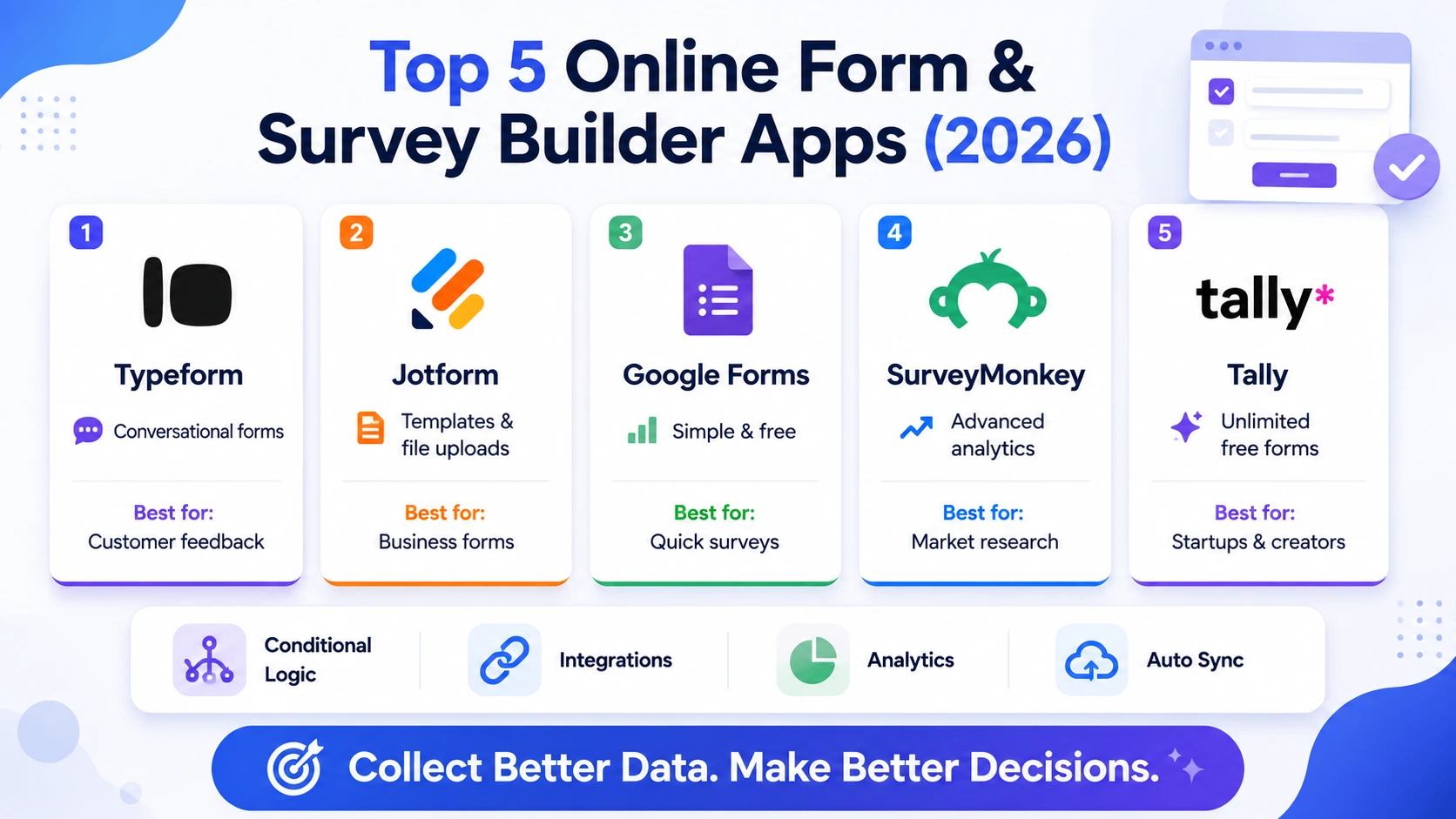
Collecting information from customers, employees, or event attendees through a plain spreadsheet or an email chain tends to produce messy, inconsistent data that takes longer to clean up than it would have taken to just build a proper form from the start. Online form and survey builders have gotten genuinely sophisticated at both the collection side, with conditional logic that shows different questions based on earlier answers, and the analysis side, with built-in charts that summarize responses without exporting to a separate spreadsheet tool. In 2026, most of these platforms also connect directly into CRMs and spreadsheets automatically, so a completed form updates other systems without any manual copying. Here are five form and survey builder web apps worth using this year. Most also offer conditional logic branching so a single form can adapt to different respondent types without needing to build several separate versions of the same survey.
Typeform

Typeform remains known for its distinctive one-question-at-a-time conversational format, which noticeably boosts completion rates compared to a traditional dense form, particularly for consumer-facing surveys and feedback requests.
Jotform

Jotform offers one of the most generous free tiers in the category alongside an enormous template library, covering everything from simple contact forms to complex multi-page application forms with file upload support.
Google Forms

Google Forms remains the simplest, most frictionless option for quick internal surveys, integrating directly with Google Sheets for instant response analysis without requiring any separate account setup for most users already in the Google ecosystem.
SurveyMonkey

SurveyMonkey leans into serious market research capability, with built-in statistical significance testing and benchmark data that lets businesses compare their survey results against industry norms rather than viewing numbers in isolation.
Tally

Tally offers a genuinely notion-like, block-based form builder completely free for unlimited forms and responses, appealing strongly to startups and individuals who find other platforms’ pricing tiers unnecessarily restrictive for basic use.
🔗 tally.so
Completion rate matters more than most people initially weigh when picking a form tool, since a beautifully designed survey that takes five minutes to finish will still get abandoned partway through at a noticeably higher rate than a shorter, more conversational one. Typeform’s format specifically earns its premium price through measurably higher completion rates on consumer-facing forms, which matters more for customer feedback than internal use. Teams doing genuine market research with statistical rigor should lean toward SurveyMonkey’s built-in analysis tools rather than exporting raw data elsewhere for that purpose. Budget-conscious teams and solo founders get outsized value from Tally’s genuinely free unlimited tier, while anyone already living inside Google Workspace will find Google Forms removes enough friction to be worth using despite its more basic feature set. It’s also worth checking each platform’s response export options ahead of time, since some restrict raw data downloads to paid tiers only.
The best form builder is ultimately the one your actual respondents will finish rather than abandon halfway through, which matters more than any individual feature on a comparison chart. Match the tool to your audience and use case, consumer feedback, internal reporting, or serious market research, and cleaner data collection pays for itself the first time it saves someone hours of manually cleaning a messy spreadsheet. A well-designed form is a small investment that quietly improves every downstream decision built on the data it collects, from marketing strategy to product roadmap priorities.